

Ink key logs that survive shifts
Write the key moves or the next lead restarts from zero.
What belongs in the log
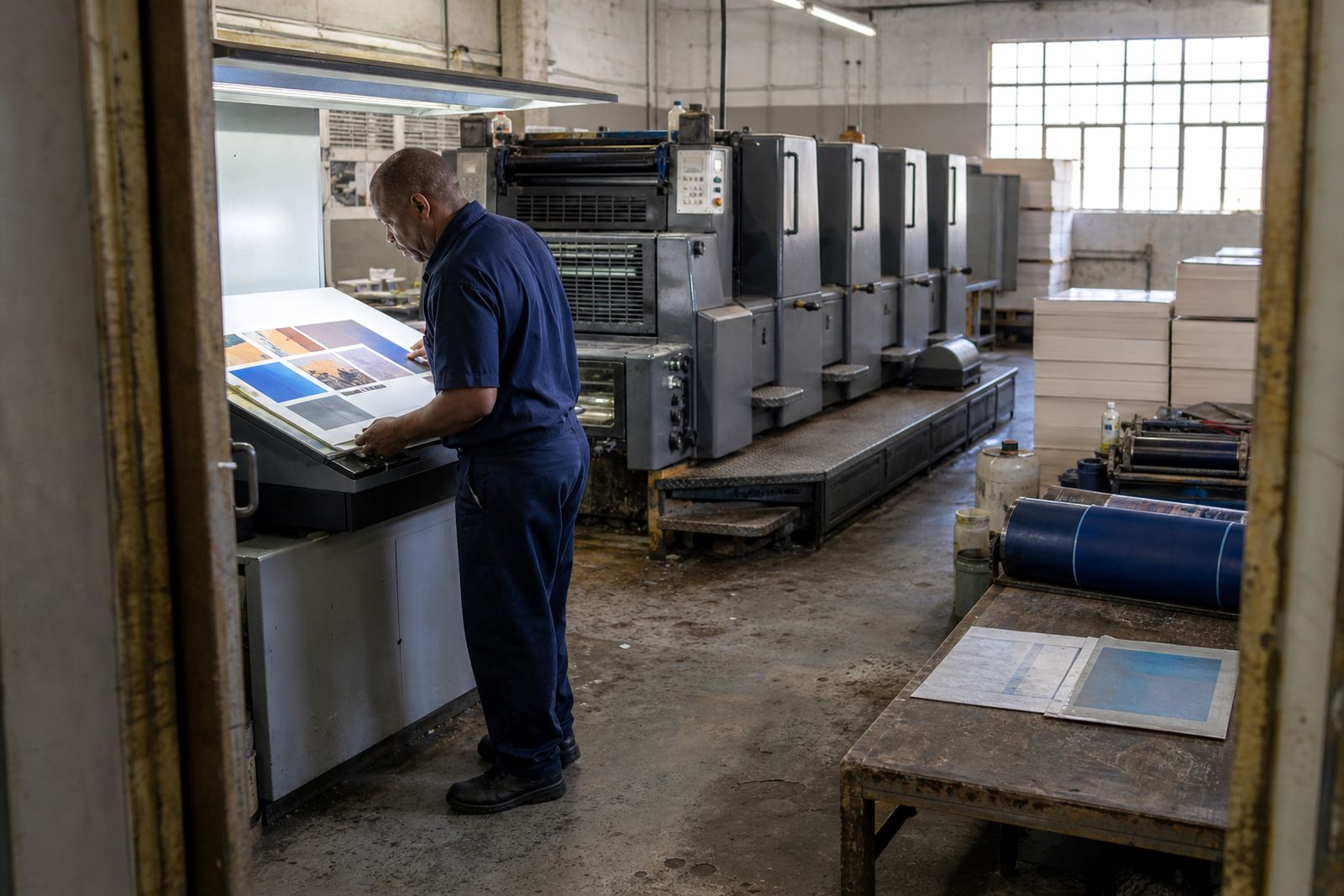
An ink key log is a shift record for the console, not a training memo. It should show starting key positions, the first stable pull, density targets, and any later corrections by unit. When the night crew sees cyan unit 3 opened two points after paper warmed up, they restart from a known state instead of chasing colour from scratch.
Many wasted sheets come from one missing line in the handover. A changed fountain solution mix, swapped stock pallet, or lower delivery pile can alter ink carry enough to upset the next crew. Write down the changes that matter so the press returns to saleable sheets with fewer blind adjustments.
The wording matters as much as the numbers. Crews in Midrand, Pinetown, and Cape Town often describe the same correction with different shop terms, which makes the next note unreliable. Record the unit number, zone range, direction of move, and the reason observed on sheet so every lead reads the same event the same way.
Shift handover at the console
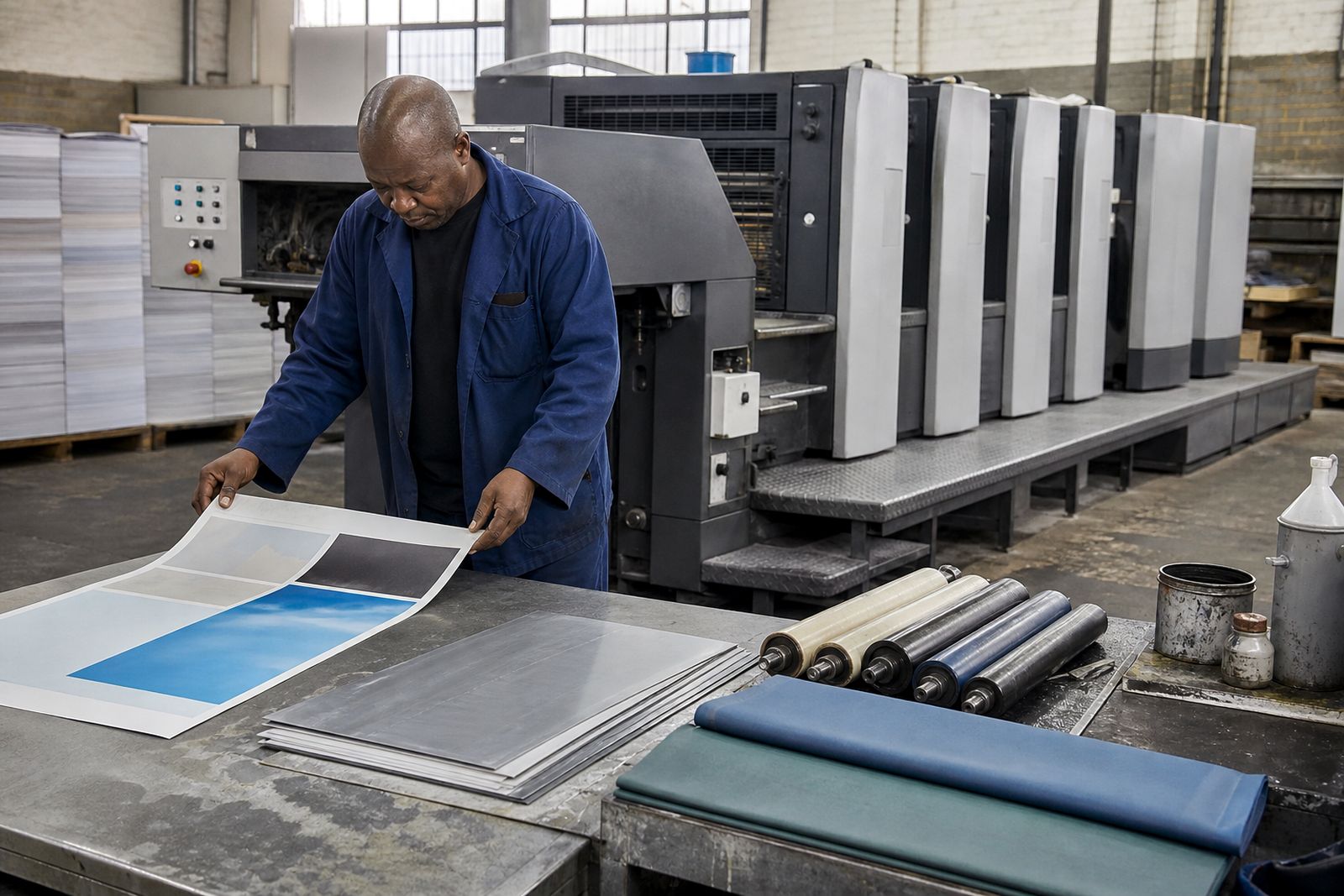
Start the log at first acceptable colour, not at plate-up. Write the paper grade, GSM, sequence, fountain reading, and the key zones that moved more than the normal touch after wash-up. Before break or shift change, mark whether the last sheets held solids, tints, and colour bar readings or whether drift had started.
- Paper grade, GSM, and pallet code
- Unit, zone numbers, and key direction
- Density reading after first stable sheet
- Reason for move written on sheet
- Last good pull time and stack number
During power cuts or any unscheduled stop, note the exact sheet count and the console state before power drops. If rollers cool off or paper edges pick up moisture, the restart may need different keys from the previous good pull. Keep spoilage marked apart from passed work so the stack does not mix during a rushed restart.
Useful links around makeready
Use Units to check how each press is configured, then open Runs for the order route that suits the job. Resources holds printable sheets that can sit beside the press console. If a question needs plant detail, send it through the contact form with the press model, stock, and number of colours.
A single photo of the marked colour bar is more useful than a long message with no sheet reference. Include whether the plant is inland or coastal, because humidity in Durban behaves differently from a dry Highveld morning in Gauteng. That context helps explain why a key move held on one shift and drifted on the next.
When discussing a recurring issue, bring pulled sheets, the log page, and the stock label from the pallet. A live sample with actual set-off, scumming, or weak solid tells more than memory after the job has left the machine. Console notes only make sense when they are tied back to a sheet someone can inspect.
What our Offset Printing customers say
Verified Google reviews
Also worth a look
Tell us what your press room is running
Send a note through our contact form with your press make and format, the stocks and run lengths you handle, the plates, chemistry or blankets you use and your town, and we will come back with practical advice and a quote.
Open the contact form