

Spares orders
Quarterly packs and urgent sucker replacements.
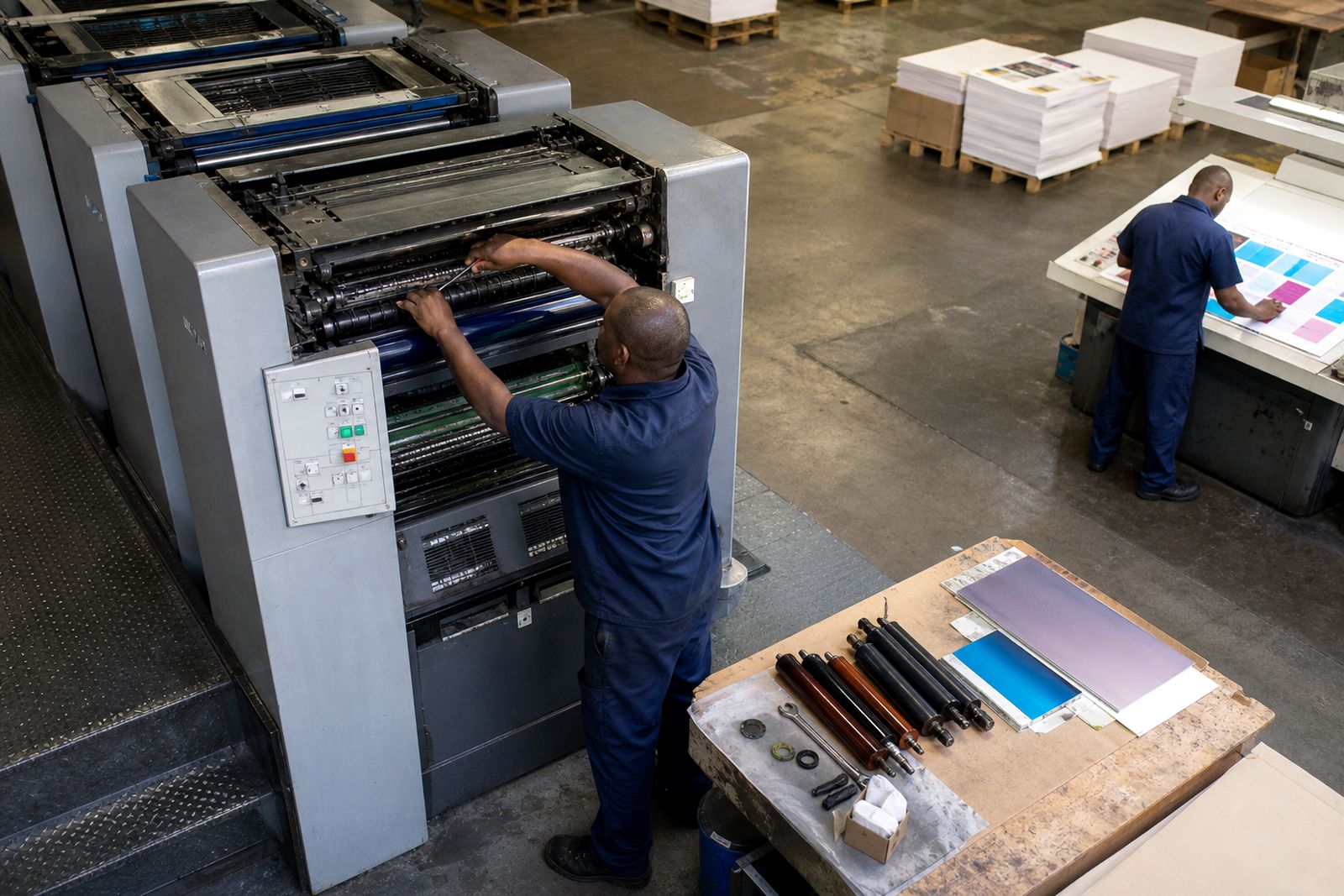
Spares orders overview
For urgent sucker, gripper or feeder faults, add the part number and describe the wear in the contact form so the order can be checked. Include where the part sits on the unit, feeder or delivery.
Related: Units, Resources, Shipping.
List the press model, unit size and the part needed before sending a spares request. SA print rooms often run mixed stocks and long dry periods, so note whether the issue shows on coated work, board, NCR or lightweight uncoated sheets.
Press details needed for spares
For quarterly consumable packs, replacement suckers, and feeder wear items, use our contact form. Montague Gardens, Cape Town is the collection and dispatch point for these support orders.
What to send with a spares request
When you contact support, send enough detail for the part to be matched to the press and unit. That helps the team check whether you need a simple replacement, a wear item, or a fuller spares order for a feeder, delivery or perfecting section.
- Press make and model, plus the unit size if you know it
- Part number and the name of the part, such as sucker, gripper, plate clamp or delivery item
- Where it sits on the machine, for example feeder, dampening system, delivery or IR dryer area
- Sheet size and stock, especially if the fault shows on coated work, board, NCR or lightweight uncoated sheets
- What went wrong, such as misfeed, marking, poor pick-up, double sheet or uneven delivery
- Photos of the sheet and the worn part, if you can add them to the form
If the issue is tied to makeready, colour bars, ink keys or wash-up, mention that too. It can help support separate a part fault from a setting or chemistry issue. For related setup guidance, see makeready and units.
When wear starts to show
Quarterly packs and urgent replacements are easier to handle when you describe the pattern of wear clearly. If the press is running in humid coastal conditions, on dry Highveld stock, or through a power cut power window, say so. Those details can affect how the sheet travels, how suckers pick up, and how the delivery behaves.
It also helps to note whether the fault appears only on long runs, only on the first good sheet after start-up, or after cleaning with wash chemistry. If the issue involves blankets, underlay packing, plate clamps or CTP plates, say which side of the press is affected and whether the problem is repeatable.
Send site photos of the sheet, the blanket impression or the feeder area, then use the contact form so the order can be checked before dispatch. For broader print-room support, you can also browse runs and blankets.
Keep the press moving
Support for commercial sheetfed offset usually works best when the request is specific. A clean description saves time when the team is checking spares for feeders, delivery units, dampening systems, powder spray, IR dryers and related care kits.
- Tell us the press make, sheet size and the exact part needed
- Describe the fault in plain terms, including what the sheet is doing
- Attach photos of the sheet, the worn component and the area around it
- Say whether the issue happens on one stock or across mixed stocks
- Note if you are planning around a power window or a busy production shift
Montague Gardens, Cape Town is the collection and dispatch point for these support orders. If you need a quick check on fitment or compatibility, send the details through the contact form and ask for a quote via the same form.
What our Offset Printing customers say
Verified Google reviews
Also worth a look
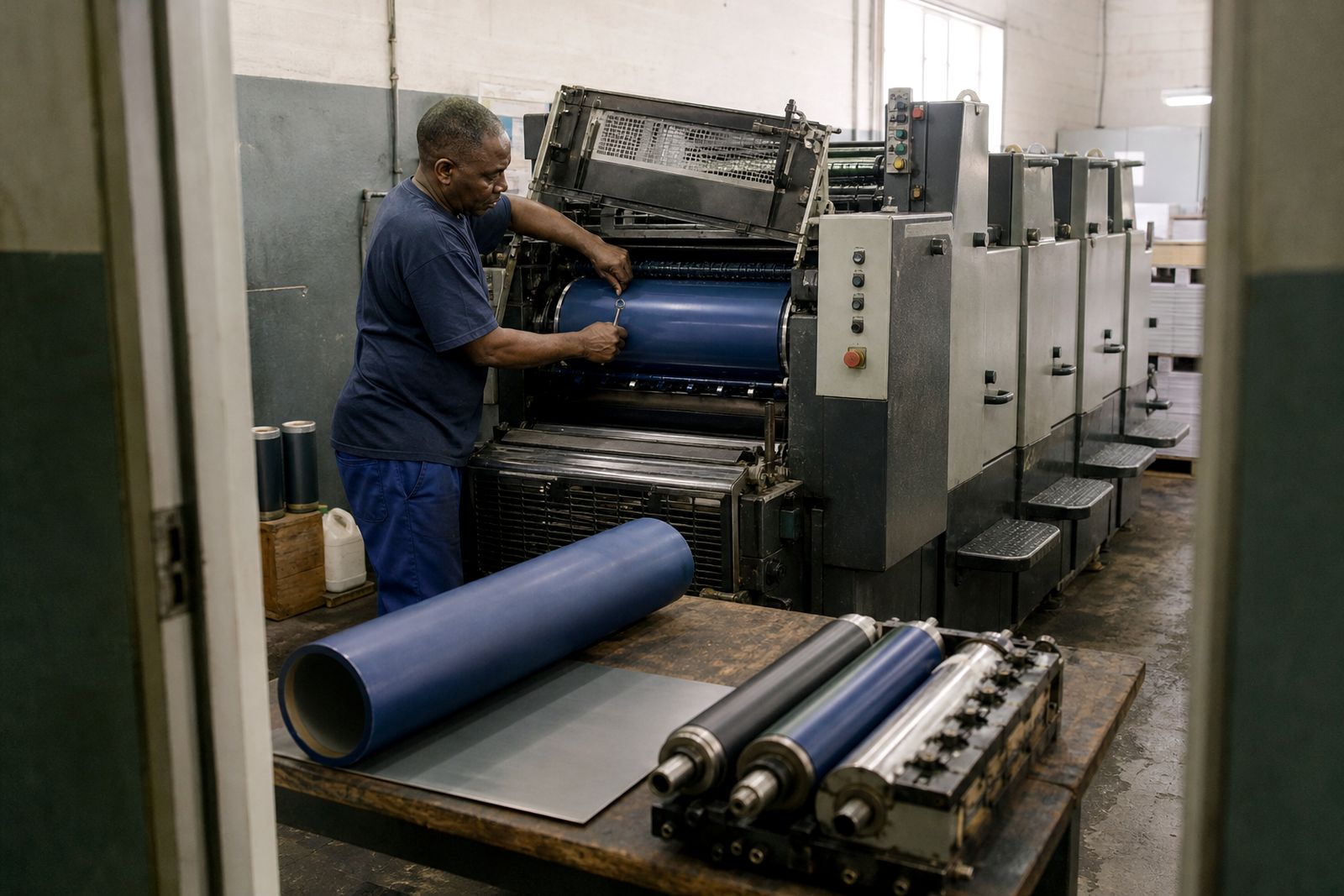
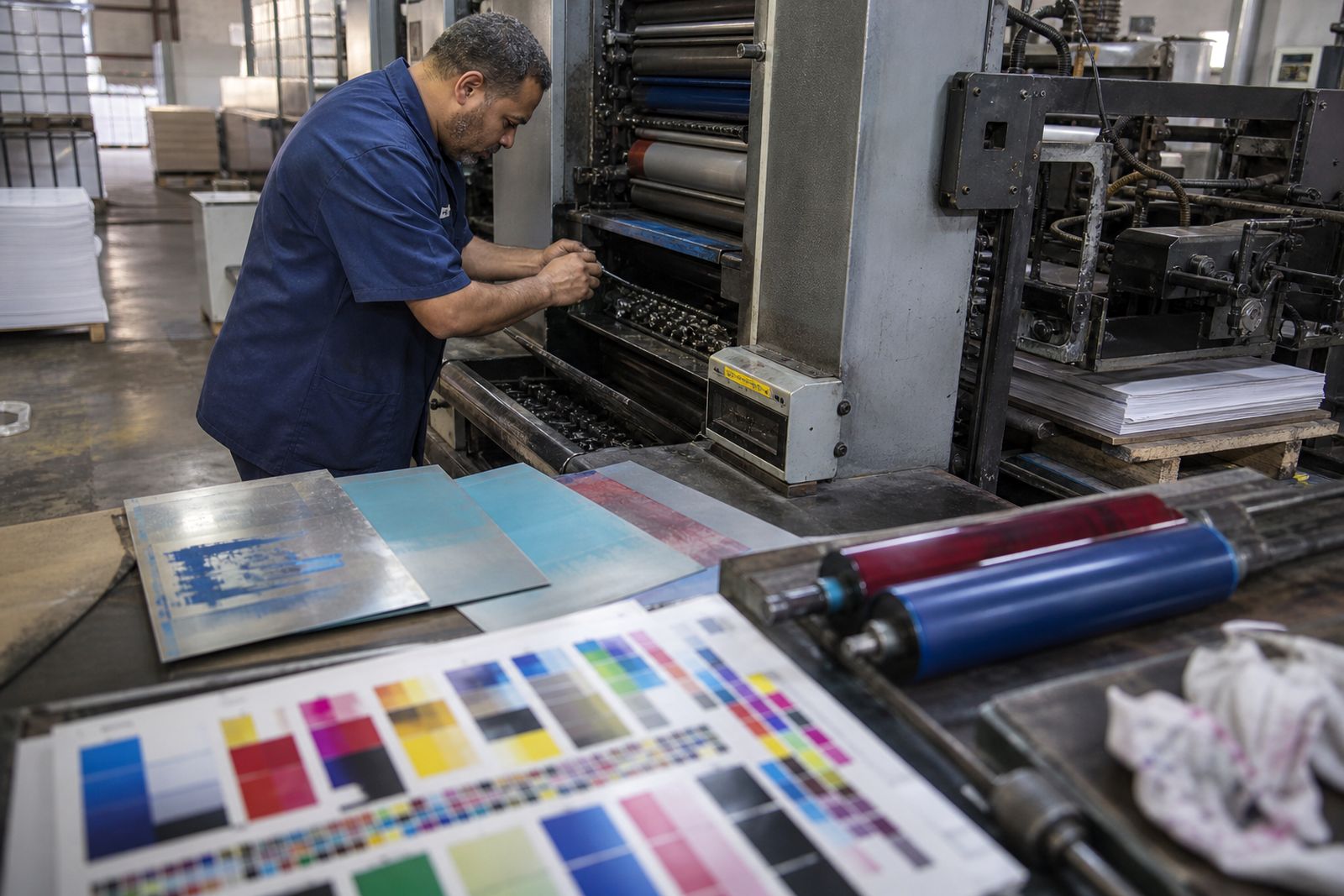
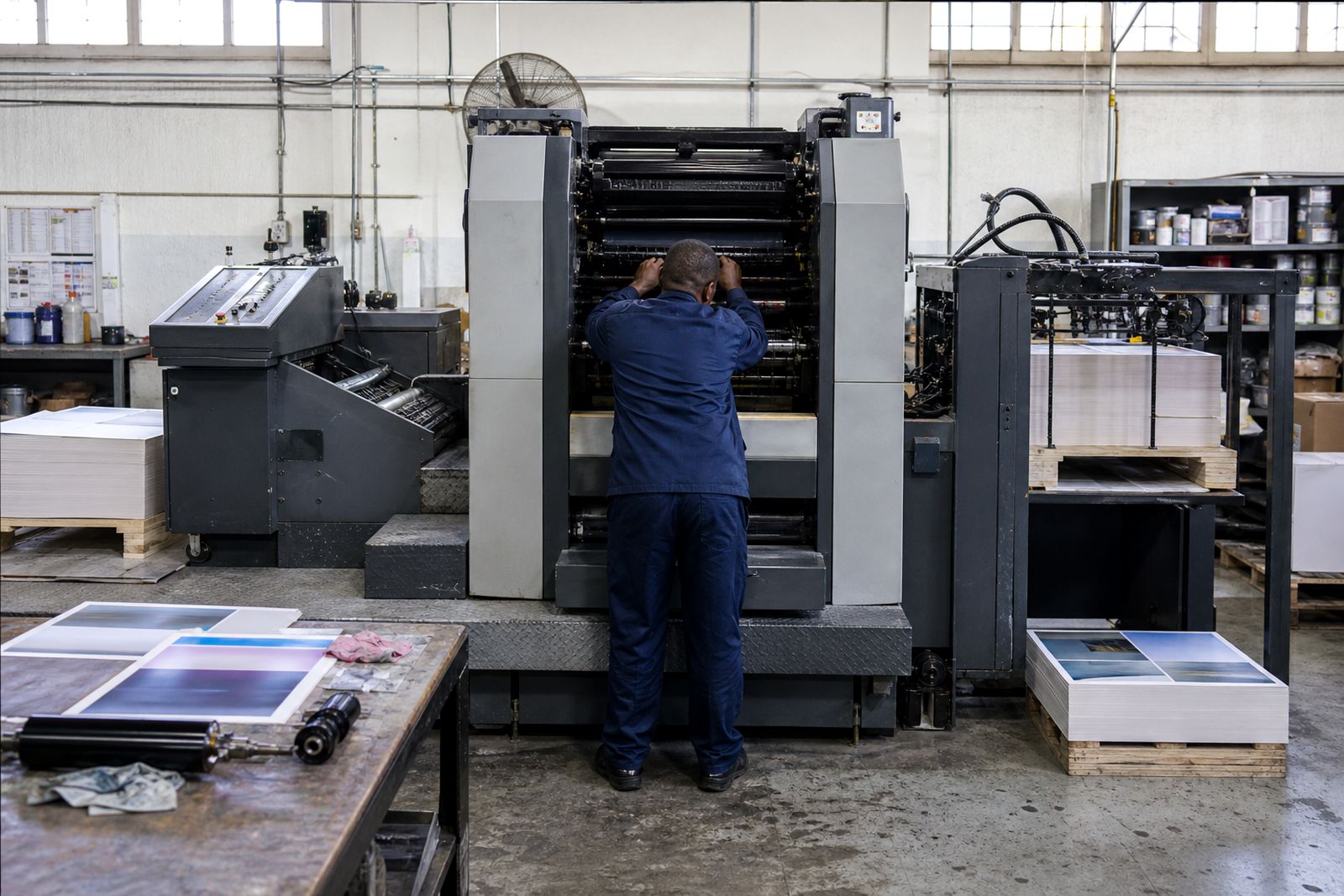
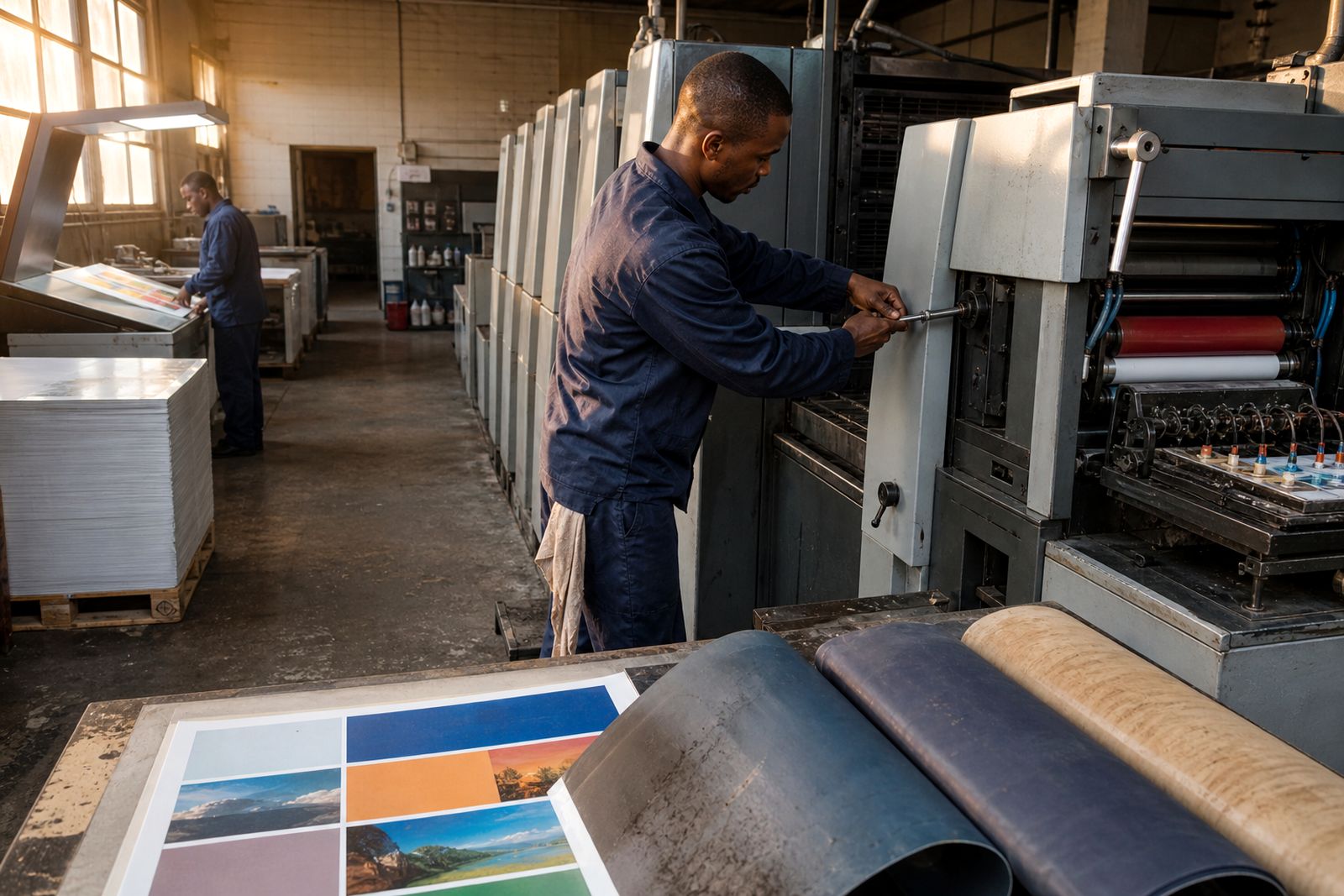
Tell us what your press room is running
Send a note through our contact form with your press make and format, the stocks and run lengths you handle, the plates, chemistry or blankets you use and your town, and we will come back with practical advice and a quote.
Open the contact form