

Press unit brief card
A single card for the press side.
What goes on the card
A single card for the press side. Print it, pin it, photograph it. We keep the wording short so it can still be used beside a noisy press. Use the contact form if your QMS file needs this card in Word or PDF.
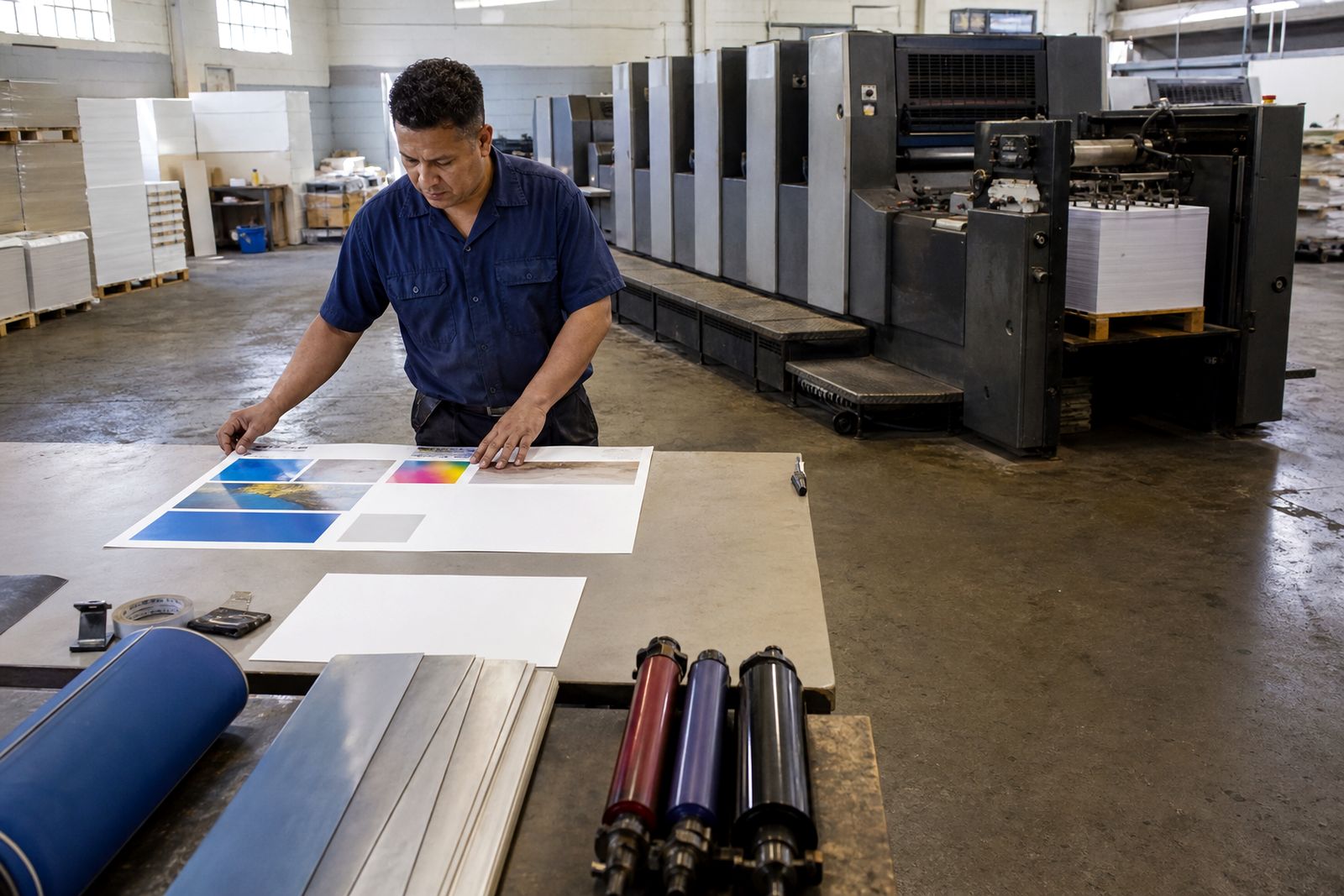
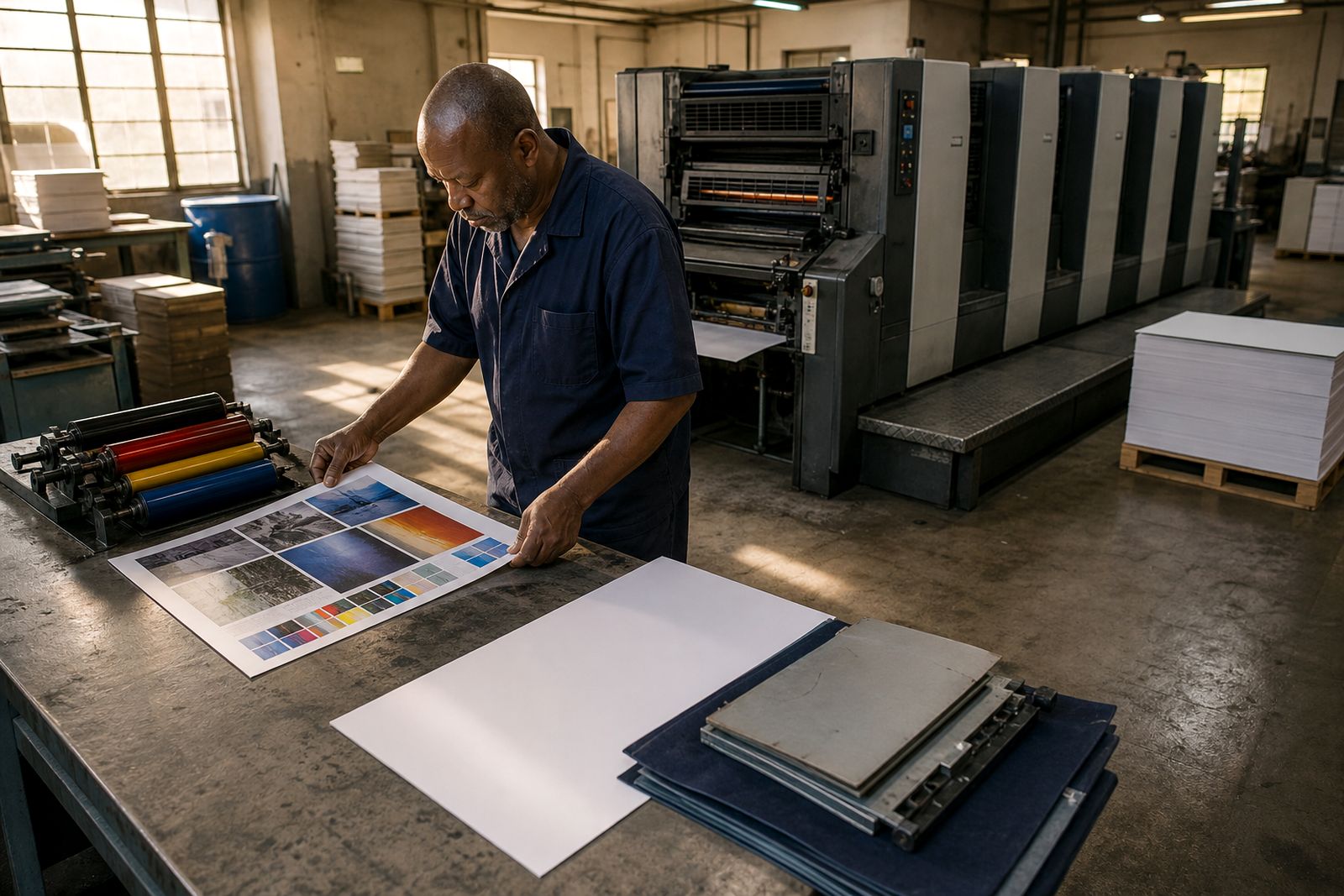
A unit brief card sits at the press with the unit sequence, sheet travel direction, and the first-sheet photo rule in one view. It is not a setup sheet or a commissioning document. Press crews use it during makeready and repeat work when the feeder end gets noisy and nobody is paging through a file.
Most print rooms get better use from an A4 card pinned near the delivery than from a thick QMS file in the office. The wording should match your Makeready notes so the minder, feeder operator, and relief crew all call the same check by the same name. Add a clear photo block for the first pass sheet, especially where coating, perf, or turn work can confuse the route.
Details needed from your press
For a custom card, provide the press model, number of units in use, sheet size, and the exact route the job follows through print, coat, and delivery. Include the first-sheet fault you want stopped early, such as wrong unit order, missed perf direction, or a coating side error. If your plant labels units differently from the maker plate, note that as well so the card matches what the crew sees on shift.
- Unit order shown left to right
- First approved sheet photo block
- Footer note for colour bar reference
If your QMS requires a controlled document number, put that in the subject line. If needed, the card can carry an empty field for your controlled document number. For a sample brief, we do not add made-up ISO wording.
Common mistakes on press
Trouble starts when one card tries to cover perfecting, work-and-turn, and straight pass on the same sheet. Keep each card tied to one run route and one visual approval photo. Replace it when a unit is bypassed, a coater is added, or the delivery changes for that form.
Use Units and Runs to confirm the route naming before you request a card update. Then send the job details through the contact form with the card name exactly as you want it printed. That avoids mixed labels between the wall card and the QMS record.
What our Offset Printing customers say
Verified Google reviews
Tell us what your press room is running
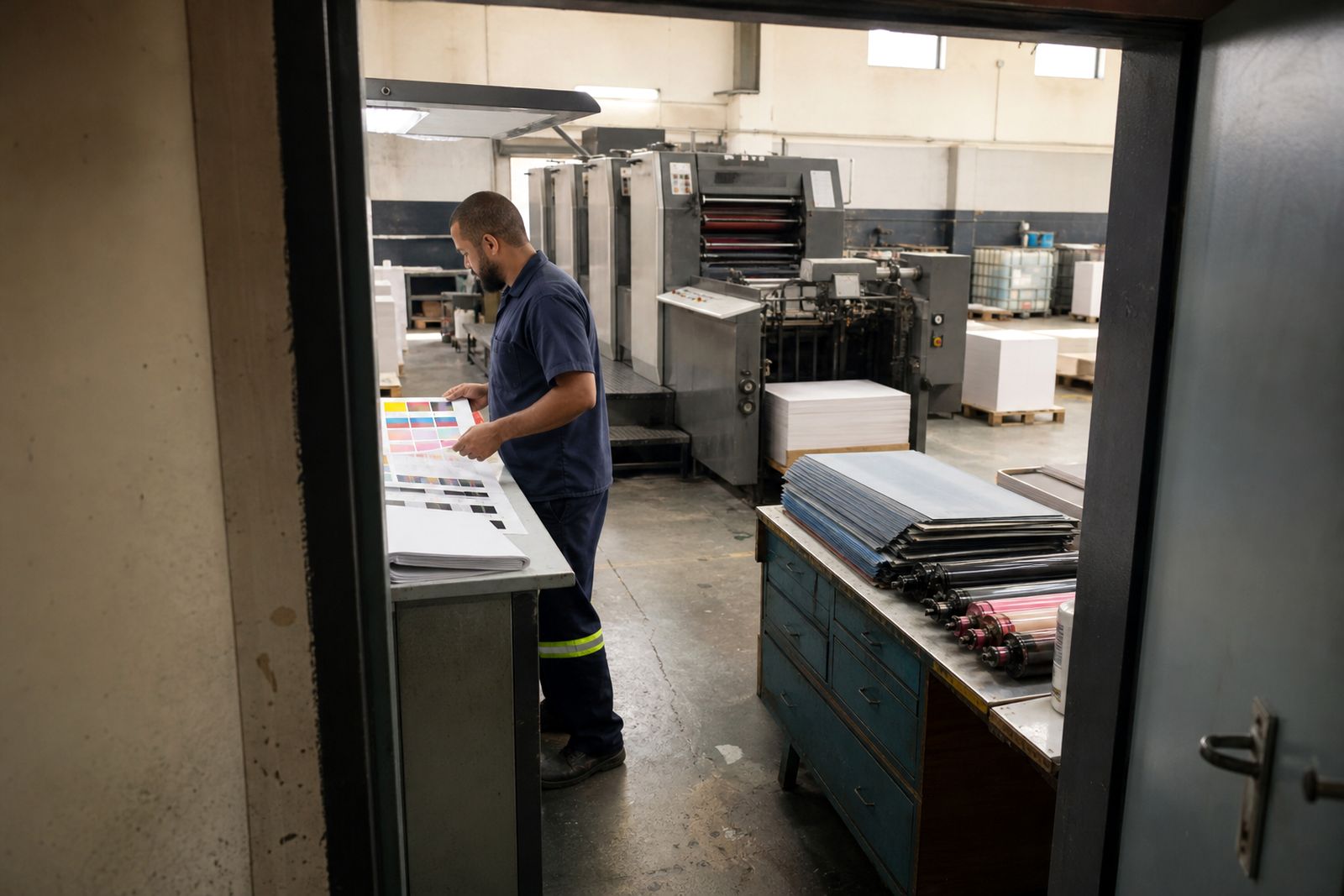
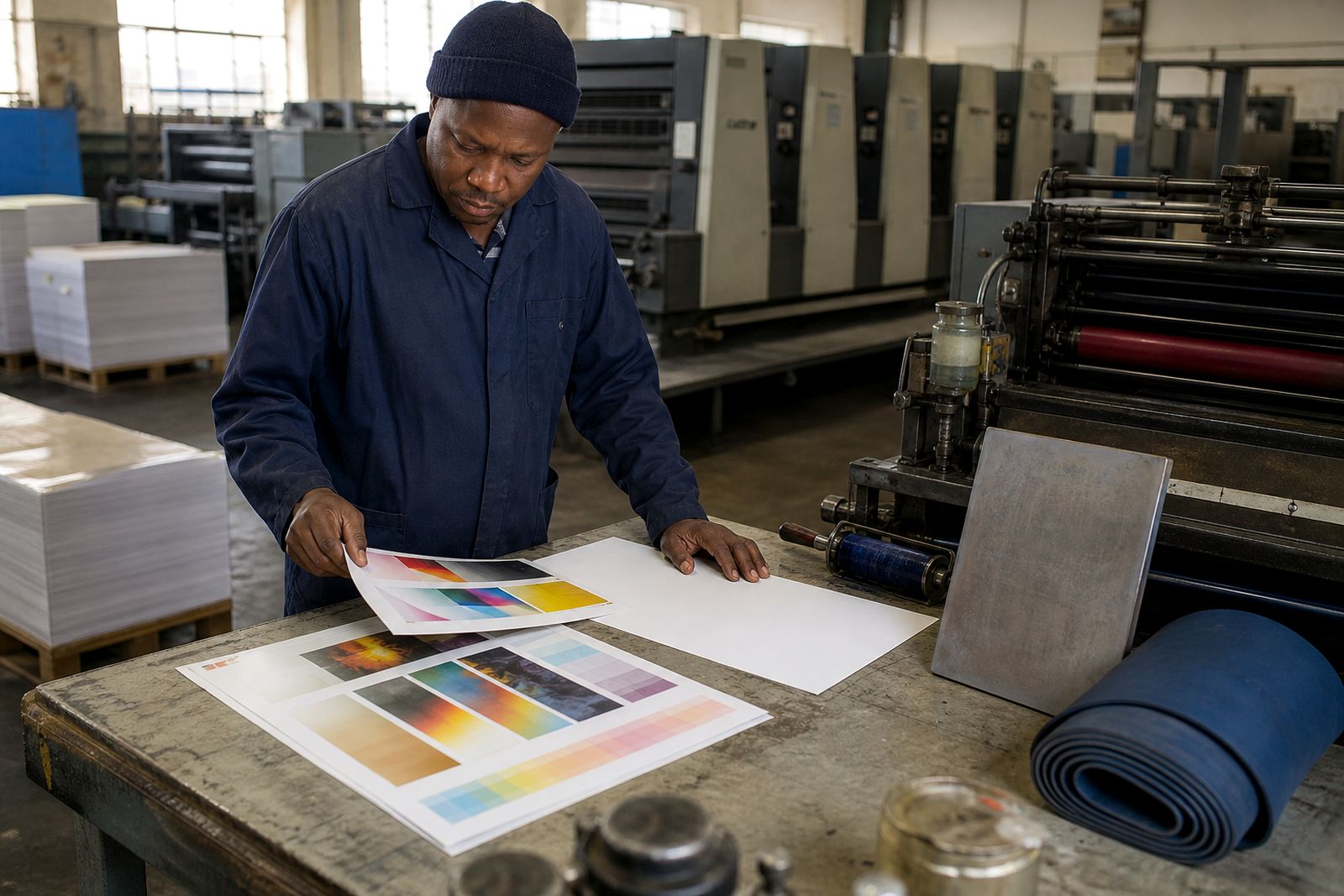
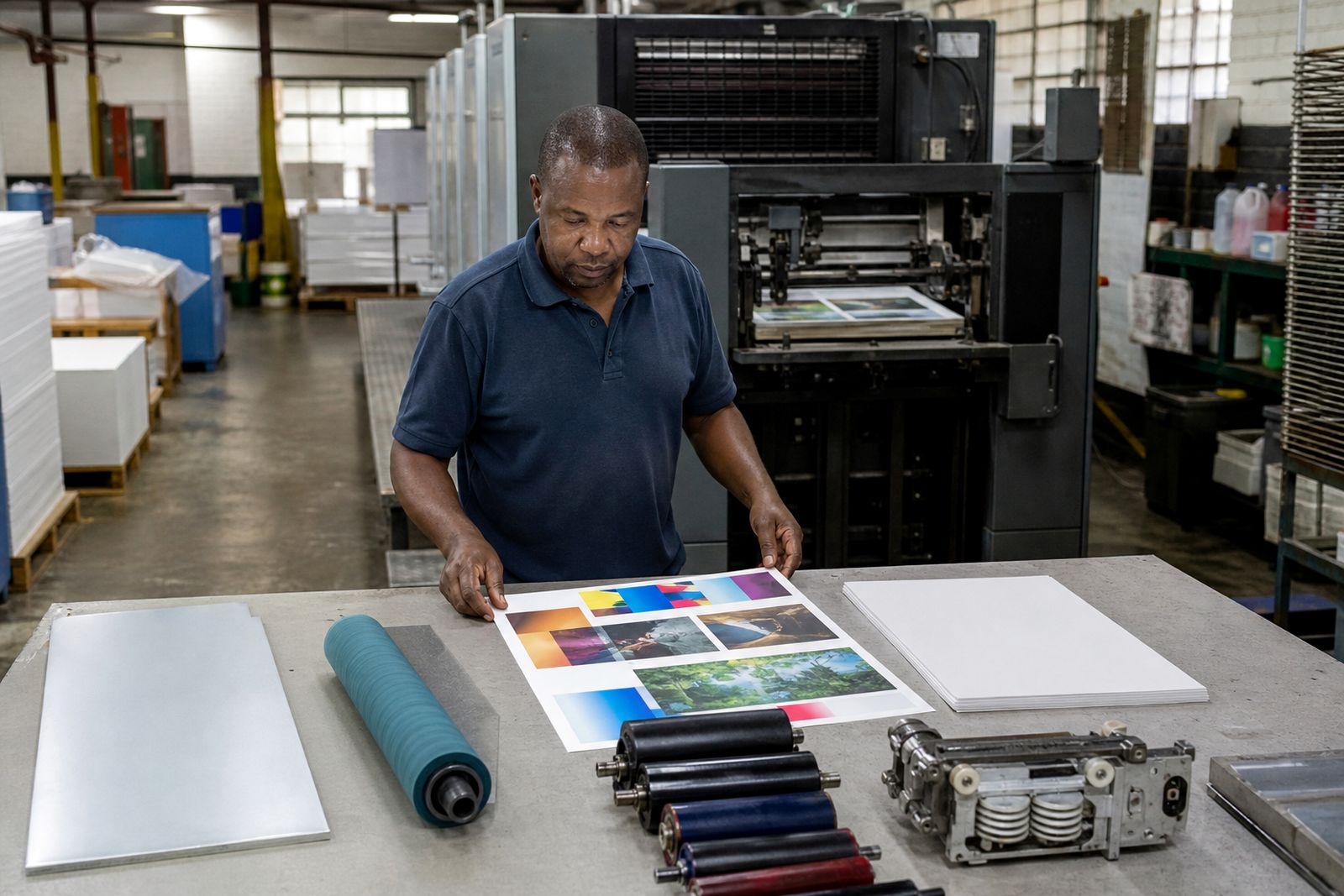
Send a note through our contact form with your press make and format, the stocks and run lengths you handle, the plates, chemistry or blankets you use and your town, and we will come back with practical advice and a quote.
Open the contact form